

See the solution. Decide for your own facility.
Experience the shipping workflow with sample facilities and events. Adapt the selected scenario to your own site.
Select shipment area
Open the shipment zone on the map. You can also pick the zone from the list view; associated sample events appear alongside.
Open dwell time view
Examine sample flow with zone entries and exits. The facility, events, and metrics on screen are samples; not measured results of your own site.
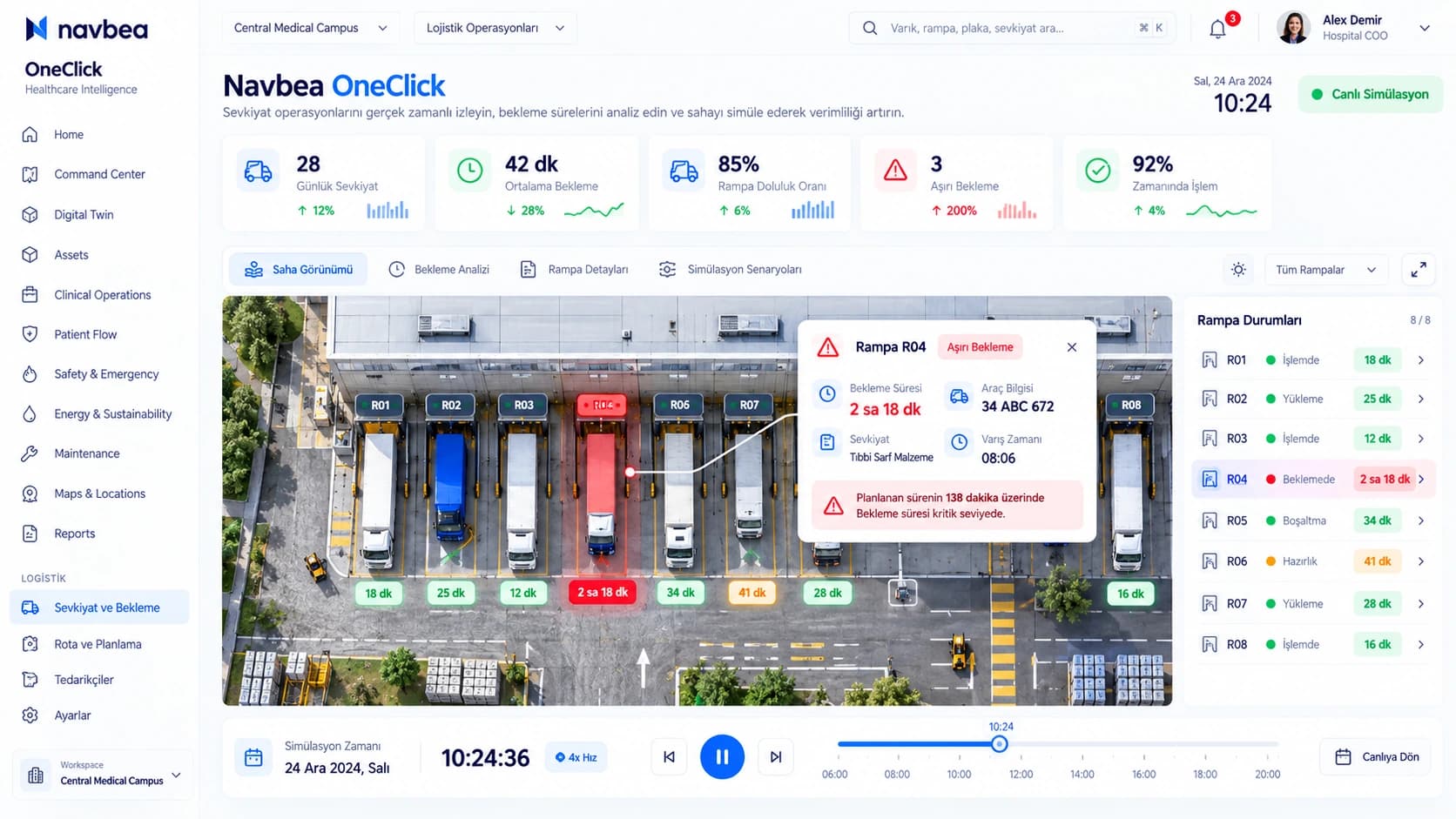
Average dwell
14.2 min
Event frequency
84 events/hr
Tracked assets
32 active tags
Add recommendation to your plan
Select the relevant recommendation. Area, use case, and data requirement are carried together into your plan.
Your selection is added to your request summary and carried over to the consultation screen.
Forklift #14 Entered Dispatch Area (10:42)
Pallet #308 Dwell Time: 18 min (Threshold: 15 min alert)
Truck Dock #2 Unloading Completed (10:38)
Want to talk about your own site?
Enter your contact details to request a scoping conversation tailored to your facility.